Organise Your Board
VOIS starts you off with a few empty categories to help you get going. You can rename them, delete them, add new ones and build each category with photos or icons that are meaningful to your child.
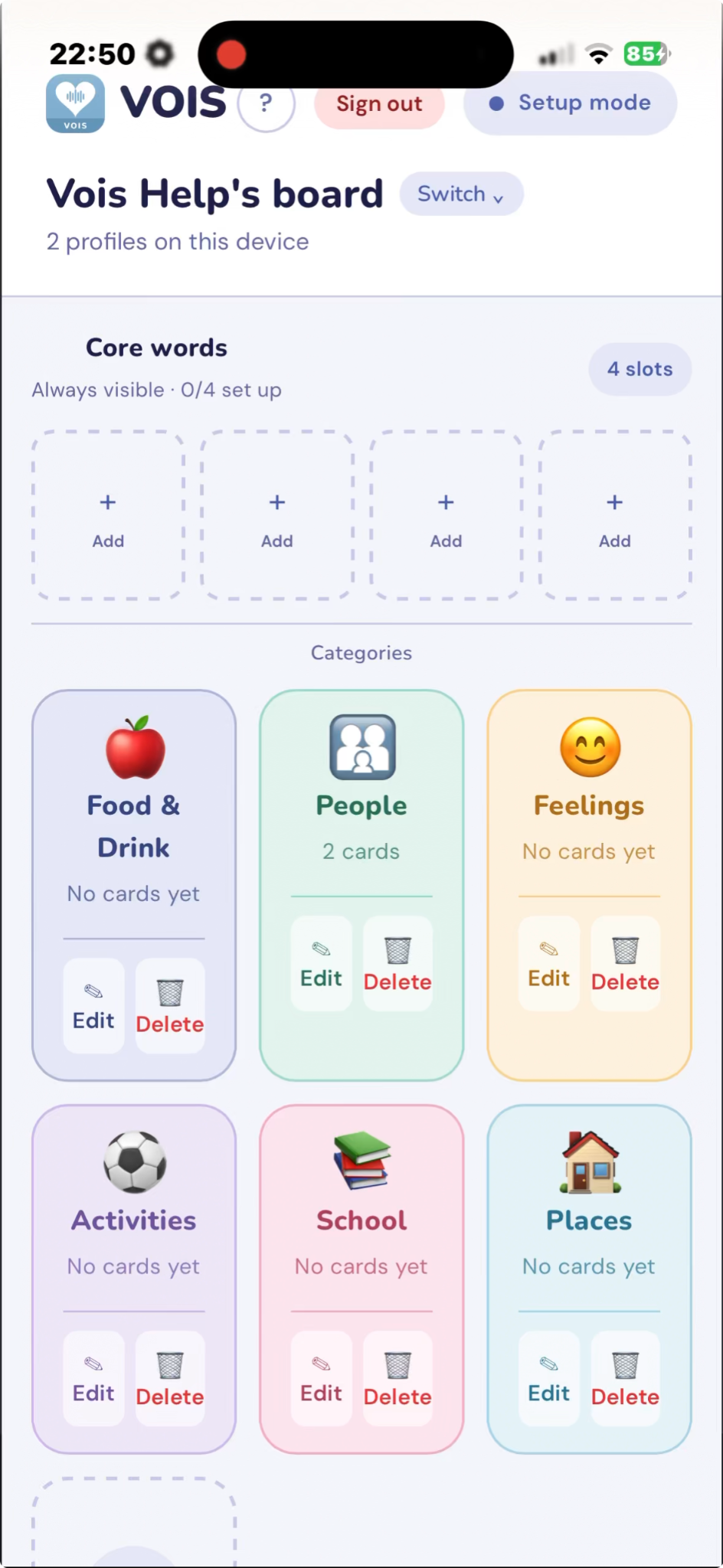
Video note: These short demonstration videos are intentionally silent. Watch the steps on screen and use the notes on this page as your guide.
Add a New Category
Change a Category
Delete a Category
Add a Card to a Category
This example uses a photo already saved on the device. You can also take a new photo or use the VOIS Icon Library.